
LG TV
- Press Home, open the LG Content Store (Apps), search for “ABE Player” and install it.

Player app guide
Install it, activate it and add your EuroView playlist in a few minutes. Every step is checked against the developer's own instructions.
Checked on November 26, 2026
ABE Player is an IBO DEV family player, available in the LG Content Store and as a Windows download. The playlist is added on abeplayertv.com with the MAC address the app shows, and one device can hold several playlists.
Pick your device. Use the official source shown here: copies on other websites can be outdated or unsafe.
Your login is in your EuroView account under My playlists: the M3U link, and the username, password and server address for Xtream Codes.
Open My playlists →Copy and paste the link instead of typing it: one wrong character and the playlist won't load.
No subscription yet? The free trial gives you a working playlist in two minutes, no card needed.
Prices are set by the developer and can change; we checked them on November 26, 2026.
On EuroView plans of 12 months or longer, we activate this app on your device for free. After you order, send us its MAC address on WhatsApp and we do the rest.
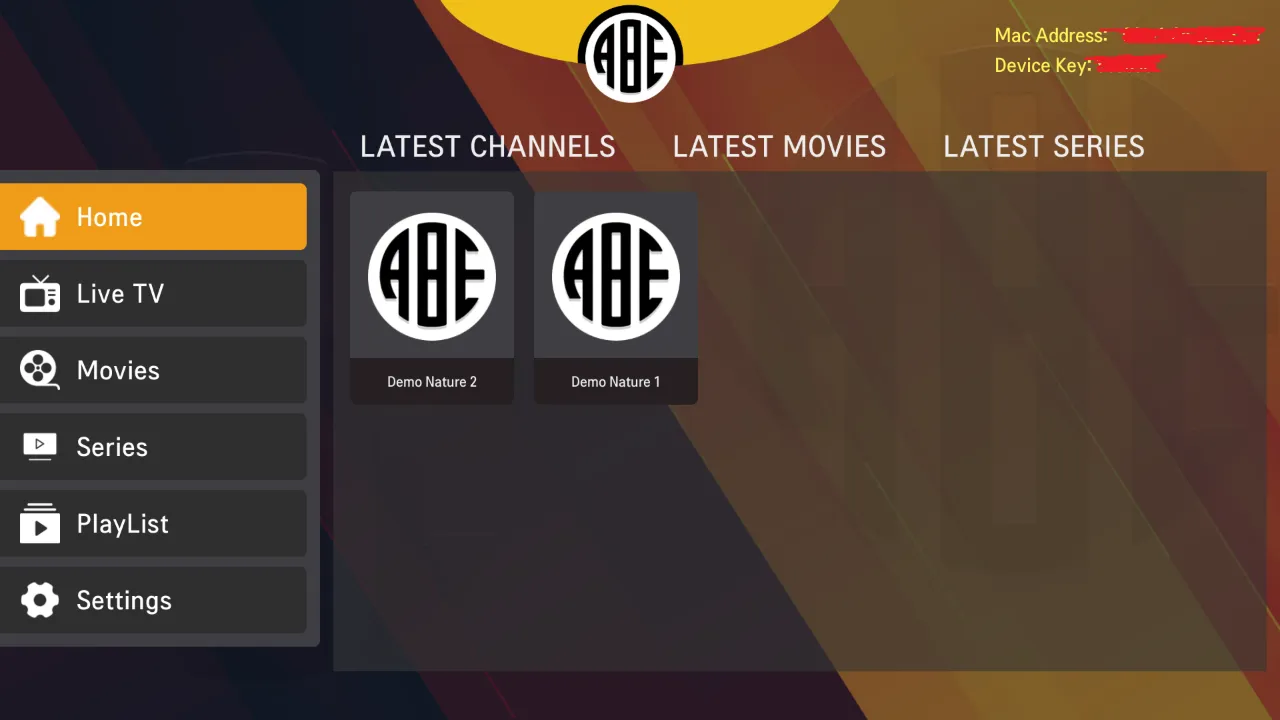
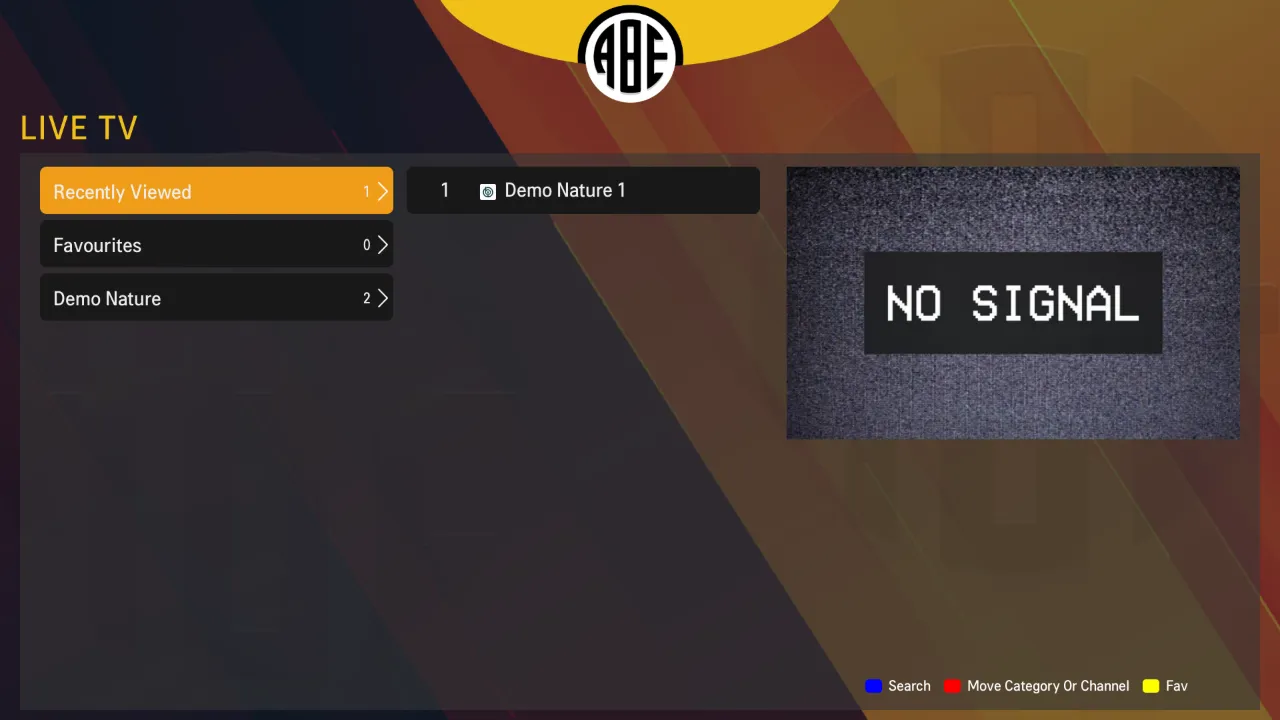
Yes. According to the developer's FAQ, the Settings menu offers three themes with different backgrounds, so you can pick the one that is easiest to read on your TV.
The older abeplayertv.com homepage still lists US$5.99 a year and US$12.99 for life. The licence is now sold through the IBO DEV licence store, which charged €5 a year or €10 for life per device when we checked.
Yes, both addresses show the same site. You can add your playlist on either one with the MAC address the app shows; this guide links to abeplayertv.com/mylist.
Each time it starts, the app downloads the whole playlist from the provider's server before showing the channels. With a large playlist that takes a few seconds, so a short pause is normal.
No. It is a player only: it plays the channels, movies and series of the playlist you add. A EuroView subscription gives you that playlist, and you can try it for free first.
Wi-Fi and cable each have their own MAC address. Use the one the app shows now, or go back to the connection you used when you added the playlist.
Check that your EuroView subscription is active, add the link again without spaces, then restart the app and your router. If it still fails, message us on WhatsApp: we usually reply within minutes.