LG TV
- Press Home, open the LG Content Store (Apps), search for “IBO XPlayer” and install it.

Player app guide
Install it, activate it and add your EuroView playlist in a few minutes. Every step is checked against the developer's own instructions.
Checked on November 26, 2026
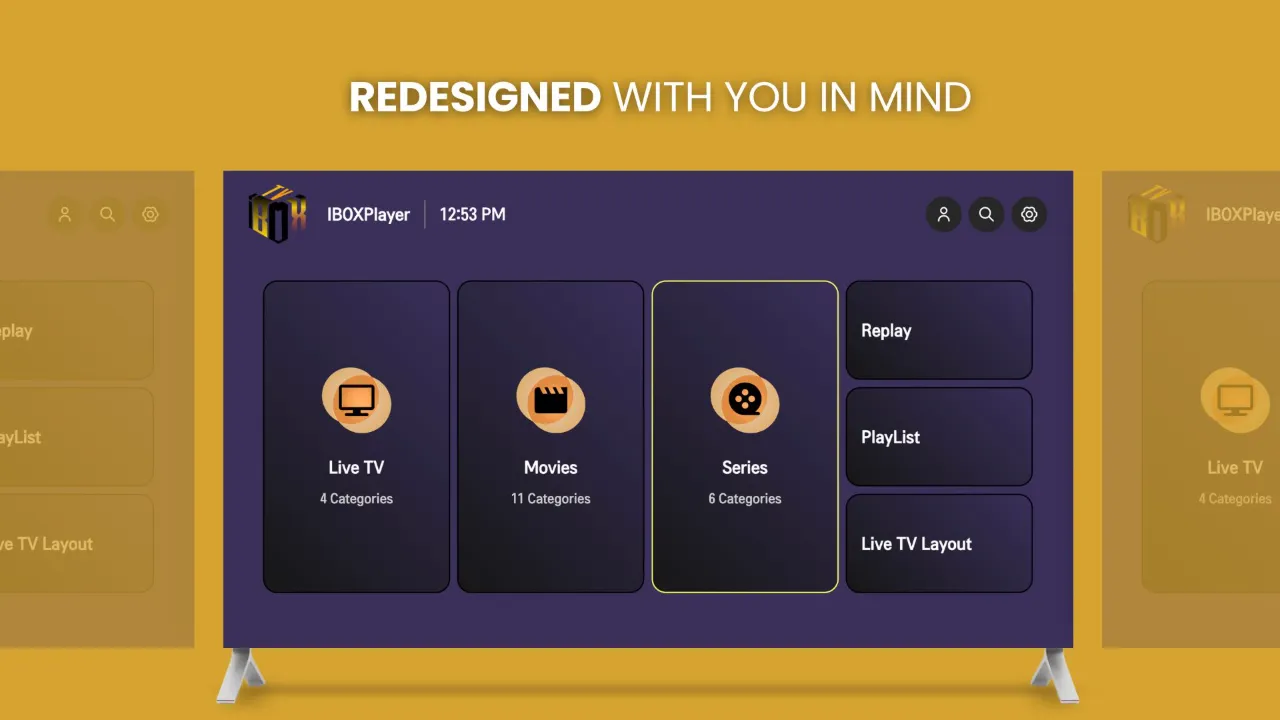
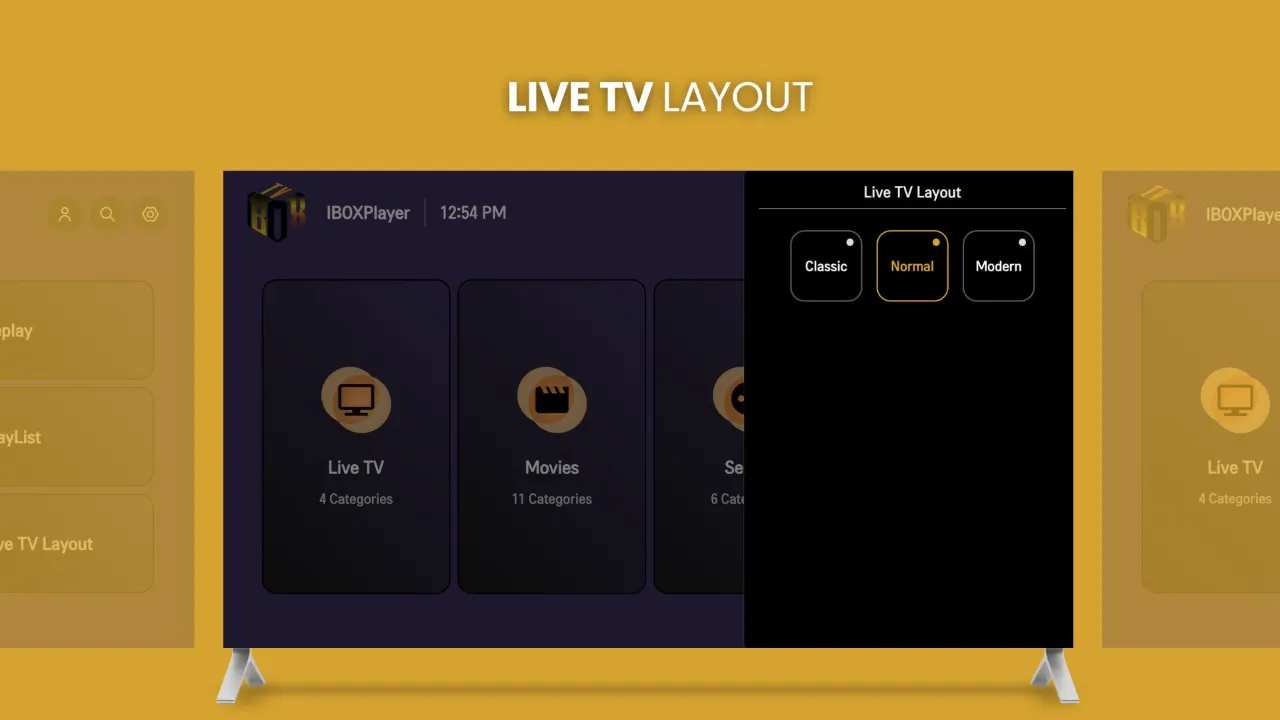
IBO XPlayer, also sold as IBOXX Player, is an IBO DEV family player for LG TVs, Roku, Android TV, Fire TV and Android phones. The playlist is added on iboxxiptv.com with the MAC address and device key. The Google Play edition works differently: it is an Xtream Codes version that providers link to their own server.
7947185Pick your device. Use the official source shown here: copies on other websites can be outdated or unsafe.
7947185 and press Go. When the download finishes, choose Install.7947185 in the address box and press Go.ibodesk.com/iboxplayer.apk in the browser, download the APK and allow the browser to install it.Your login is in your EuroView account under My playlists: the M3U link, and the username, password and server address for Xtream Codes.
Open My playlists →Copy and paste the link instead of typing it: one wrong character and the playlist won't load.
No subscription yet? The free trial gives you a working playlist in two minutes, no card needed.
Prices are set by the developer and can change; we checked them on November 26, 2026.
On EuroView plans of 12 months or longer, we activate this app on your device for free. After you order, send us its MAC address on WhatsApp and we do the rest.
Yes. The official site uses both names and the licence store sells it as IBOXX Player. On Android, use Downloader code 7947185 for the current iboxplayer.apk; the iboxx.apk file that ibodesk.com still hosts is an older build.
An optional paid proxy built into the app. You buy it by scanning a QR code in the app's settings with your phone. It is an extra, not part of the setup, so your playlist does not depend on it.
Yes. The LG listing points to iboxxplayer.com, a mirror of iboxxiptv.com. Both sites sign you in with the MAC address and device key the app shows, so you can add the playlist on either one.
7947185. Type it into the Downloader app on a Fire TV or an Android TV box; it fetches the official APK (ibodesk.com/iboxplayer.apk).
No. It is a player only: it plays the channels, movies and series of the playlist you add. A EuroView subscription gives you that playlist, and you can try it for free first.
Wi-Fi and cable each have their own MAC address. Use the one the app shows now, or go back to the connection you used when you added the playlist.
Check that your EuroView subscription is active, add the link again without spaces, then restart the app and your router. If it still fails, message us on WhatsApp: we usually reply within minutes.