Hot Player

Player app guide

Hot Player: setup guide

Install it, activate it and add your EuroView playlist in a few minutes. Every step is checked against the developer's own instructions.

Checked on November 26, 2026

Hot Player, formerly Hot IPTV, runs on more platforms than almost any other player: Samsung, LG, Hisense and Roku TVs, Android TV, Fire TV, Apple devices and Windows. Every new installation gets a 30-day trial, the longest of the apps in these guides, and you can set it up by scanning the QR code on the TV with your phone.

At a glance

Devices
Samsung TV, LG TV, Hisense TV (VIDAA), Android TV / Google TV, Fire TV Stick, Android phone, iPhone and iPad, Apple TV, Mac, Roku, Windows PC
Downloader code
395800
Licence
Per device (MAC address)
Price
€5.99 a year or €14.99 for life, per device.
Free trial
30 days
Playlist
M3U link
Official site
hotplayer.app

Step 1: install the app

Pick your device. Use the official source shown here: copies on other websites can be outdated or unsafe.

Samsung TV

  1. Press Home on the remote, open Apps, search for “Hot Player” and install it.

LG TV

  1. Press Home, open the LG Content Store (Apps), search for “Hot Player” and install it.

Hisense TV (VIDAA)

  1. Open the VIDAA app store on your Hisense TV, search for “Hot Player” and install it.

Android TV / Google TV

  1. Install the free Downloader app from Google Play, open it, type 395800 and press Go. When the download finishes, choose Install.

Fire TV Stick

  1. On the Fire TV home screen, search for “Downloader” and install it (it's free).
  2. Go to Settings › My Fire TV › Developer options and allow apps from unknown sources for Downloader. No Developer options? Open Settings › My Fire TV › About and click your device name seven times.
  3. Open Downloader, type 395800 in the address box and press Go.
  4. When the download finishes, choose Install, then Open. Afterwards you can delete the APK file to save space.

Android phone

  1. On the phone, open apk.hotplayer.app in the browser, download the APK and allow the browser to install it.

iPhone and iPad

  1. Open the App Store, search for “Hot Player” and install it.

Apple TV

  1. Open the App Store on Apple TV, search for “Hot Player” and install it.

Mac

  1. Open the Mac App Store, search for “Hot Player” and install it.

Roku

  1. On the Roku home screen, open Streaming Channels, search for “Hot Player” and add it.

Windows PC

  1. Open the Microsoft Store, search for “Hot Player” and install it.

Step 2: add your EuroView playlist

Your login is in your EuroView account under My playlists: the M3U link, and the username, password and server address for Xtream Codes.

Open My playlists →
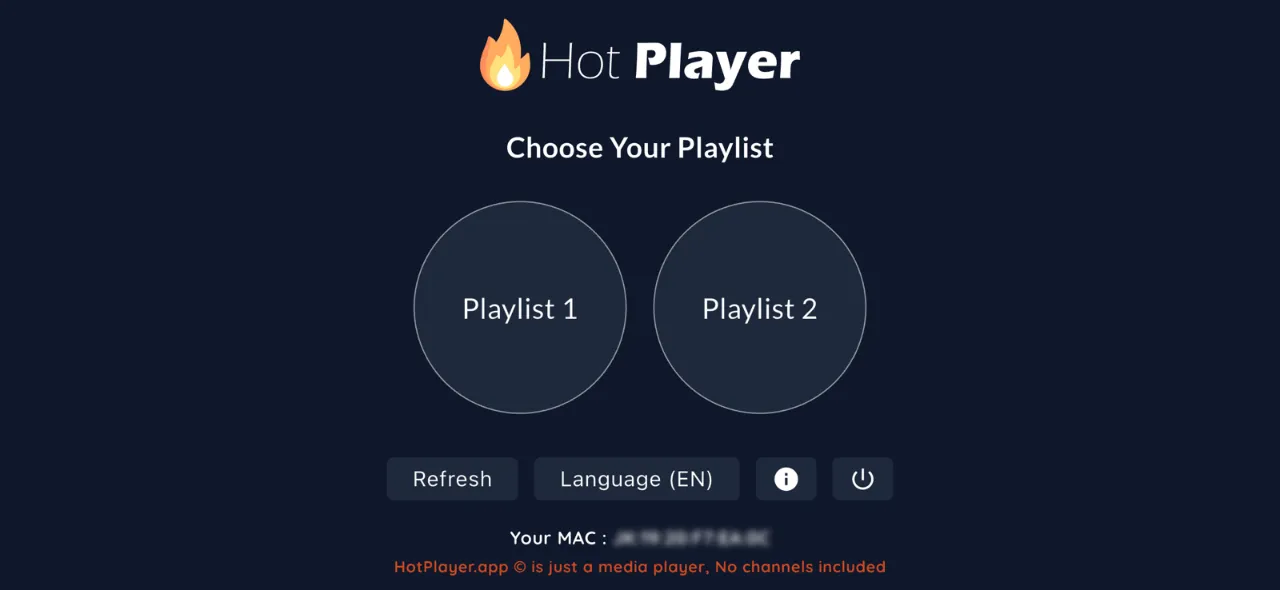
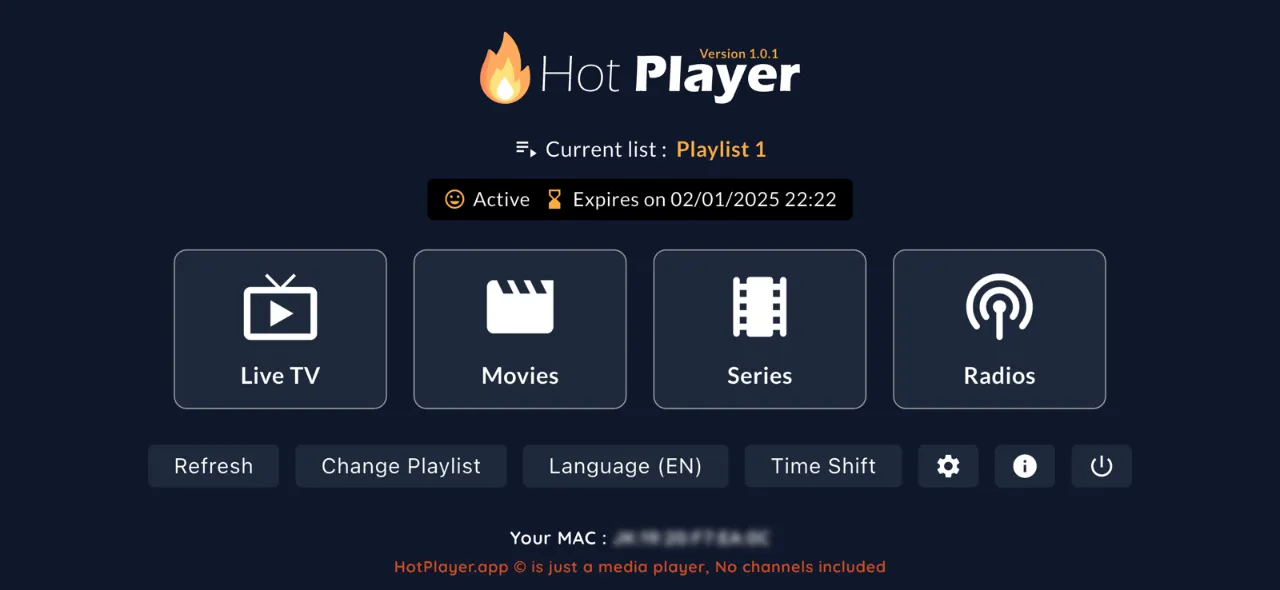
  1. Open the app on your device. The first screen shows its MAC address: write it down.
  2. On your phone or computer, open hotplayer.app/upload.
  3. Enter the MAC address exactly as the TV shows it.
  4. Add a playlist: call it EuroView, paste your M3U link and save.
  5. Restart the app on the TV. Your channels, movies and series load in about a minute.

Copy and paste the link instead of typing it: one wrong character and the playlist won't load.

No subscription yet? The free trial gives you a working playlist in two minutes, no card needed.

Step 3: activation and price

  • Free trial: 30 days, starting the first time you open the app.
  • €5.99 a year or €14.99 for life, per device.
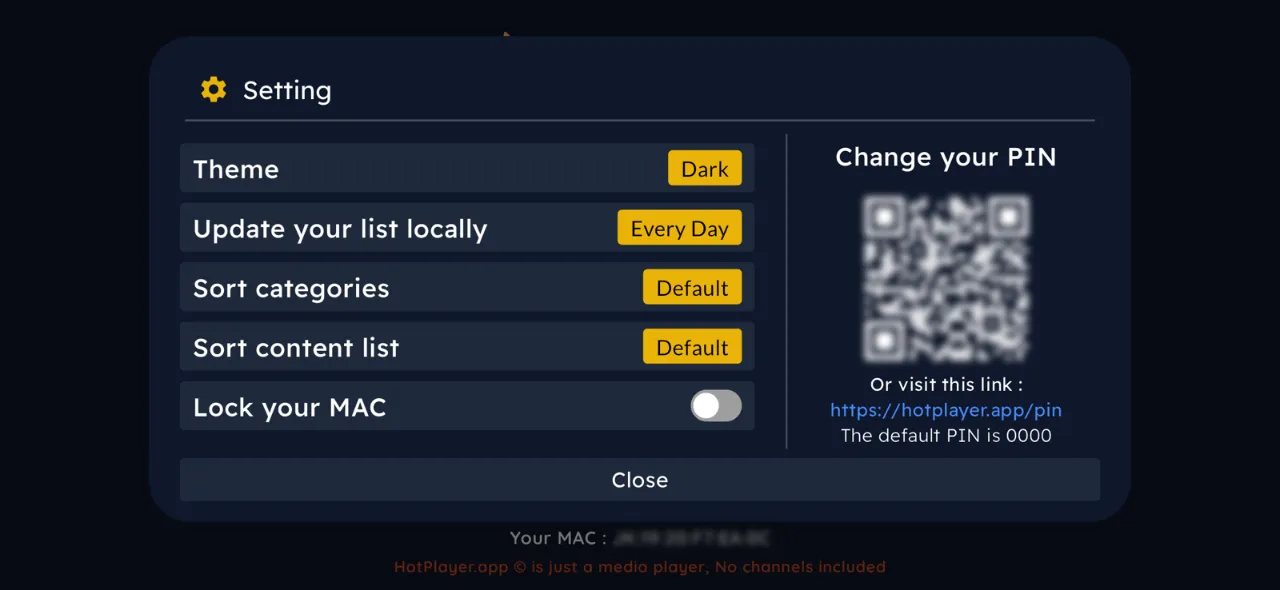
  • The licence is bought at hotplayer.app/activation.
  • The licence belongs to the device, so a new TV needs its own activation.
  • The licence can be moved to a new device's MAC address at hotplayer.app/transfer-activation.

Prices are set by the developer and can change; we checked them on November 26, 2026.
Screenshots

Hot Player: screenshot 1Hot Player: screenshot 2Hot Player: screenshot 3

Good to know

  • Even faster: the app shows a QR code. Scan it with your phone and add the playlist on the page that opens.

Questions and answers

Can I move my Hot Player activation to a new TV?

Yes. Go to hotplayer.app/transfer-activation and enter your email address, the Order ID from your purchase and the new device's MAC address. You can transfer an activation up to four times while it is still active.

Why did uploading on the website remove my other playlists?

Uploading at hotplayer.app/upload replaces every list on the device. To add another one and keep the existing lists, scan the QR code in the app and add it on the page that opens. A device holds up to three playlists.

What does “Unreachable” next to my playlist mean?

The app can't reach the playlist's server: it may be down, the subscription may have expired, or too many devices are connected at once. Check that your subscription is active and that you're within your plan's device limit.

Is there a monthly fee or automatic renewal?

No. On the website you pay once for six months, one year, three years or lifetime, with no renewal, and website purchases can be refunded within 7 days. App Store purchases are the exception: a yearly subscription that renews.

What is the Downloader code for Hot Player?

395800. Type it into the Downloader app on a Fire TV or an Android TV box; it fetches the official APK (apk.hotplayer.app).

Does Hot Player come with channels?

No. It is a player only: it plays the channels, movies and series of the playlist you add. A EuroView subscription gives you that playlist, and you can try it for free first.

Why did the MAC address change?

Wi-Fi and cable each have their own MAC address. Use the one the app shows now, or go back to the connection you used when you added the playlist.

The playlist doesn't load or says “Unable to stream”. What now?

Check that your EuroView subscription is active, add the link again without spaces, then restart the app and your router. If it still fails, message us on WhatsApp: we usually reply within minutes.


All installation guides →