Samsung TV
- Press Home on the remote, open Apps, search for “IPTV Smarters Player” and install it.

Player app guide
Install it, activate it and add your EuroView playlist in a few minutes. Every step is checked against the developer's own instructions.
Checked on November 26, 2026
IPTV Smarters Player from smartersplayer.tv comes from yet another company, not the makers of IPTV Smarters Pro. It runs on Samsung and LG TVs, Android TV, Fire TV and Windows. After a 7-day trial with demo content, one payment activates the device for life, and its upload page takes an M3U link or Xtream Codes details.
922519Pick your device. Use the official source shown here: copies on other websites can be outdated or unsafe.
922519 and press Go. When the download finishes, choose Install.922519 in the address box and press Go.Your login is in your EuroView account under My playlists: the M3U link, and the username, password and server address for Xtream Codes.
Open My playlists →Copy and paste the link instead of typing it: one wrong character and the playlist won't load.
No subscription yet? The free trial gives you a working playlist in two minutes, no card needed.
Prices are set by the developer and can change; we checked them on November 26, 2026.
Samsung TVs from 2019 and earlier need the userwidget.zip file from the how-to-install page on smartersplayer.tv, installed from a USB stick. The file must be installed within 15 days of its build date and runs for 15 days; the site publishes a new one every 15 days.
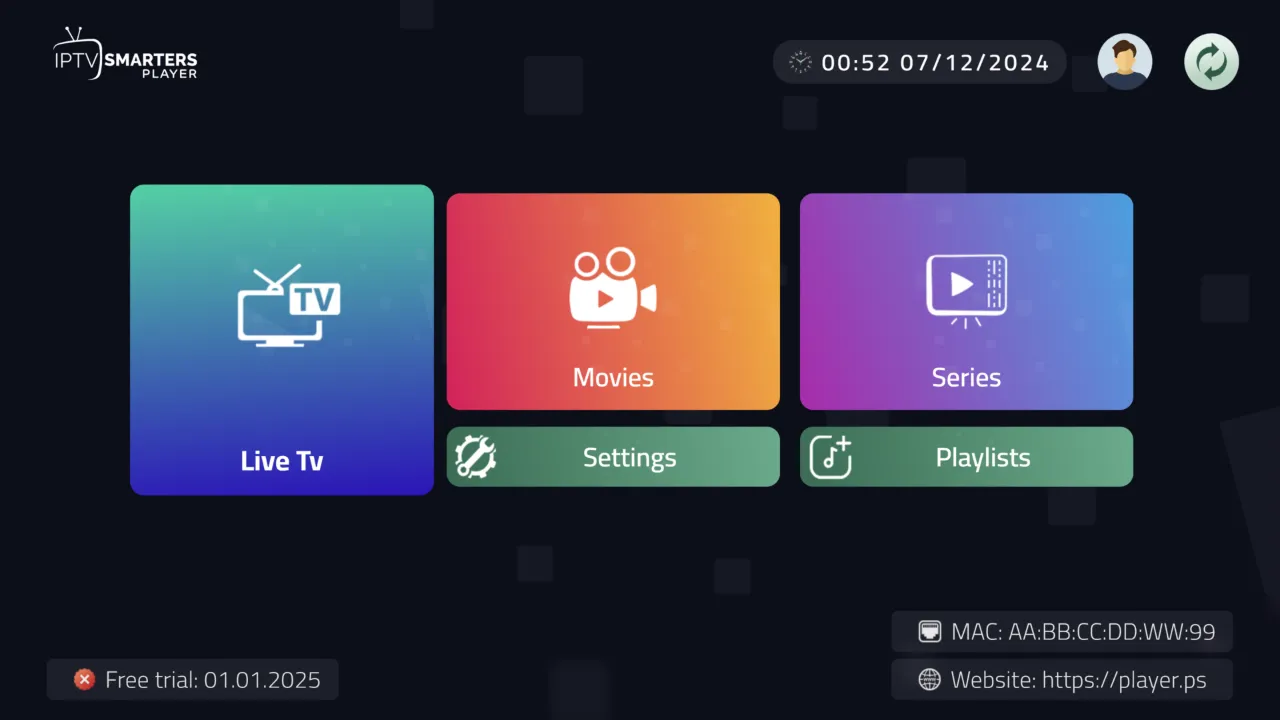
The MAC address is in the bottom-right corner of the app's home screen, and the device key is on its settings page. When you manage playlists on the website, it also asks for a one-time code that appears on the TV.
That playlist is already saved for your device, so there is no need to add it again. Refresh or restart the app on the TV and choose the playlist from the list.
Don't count on it. The developer's FAQ mentions a refund within 7 days of activation, but its terms of sale say all sales are final. Use the 7-day trial to test the app with your playlist before you pay.
922519. Type it into the Downloader app on a Fire TV or an Android TV box; it fetches the official APK (download.tvplayers.net/IPTVSmartersPlayer.apk).
No. It is a player only: it plays the channels, movies and series of the playlist you add. A EuroView subscription gives you that playlist, and you can try it for free first.
Wi-Fi and cable each have their own MAC address. Use the one the app shows now, or go back to the connection you used when you added the playlist.
Check that your EuroView subscription is active, add the link again without spaces, then restart the app and your router. If it still fails, message us on WhatsApp: we usually reply within minutes.