iPhone and iPad
- Open the App Store, search for “Smarters Player Lite” and install it.

Player app guide
Install it, activate it and add your EuroView playlist in a few minutes. Every step is checked against the developer's own instructions.
Checked on November 26, 2026
IPTV Smarters Pro was for years the best-known IPTV player, but its developer's website has been offline since August 2026, and its Android download went with it. On iPhone, iPad and Apple TV it lives on as Smarters Player Lite, free with an optional premium upgrade. The Samsung and LG versions only work with providers registered with the developer, so on those TVs and on Android we recommend Smarters IPTV Player or IBO Player instead.
Pick your device. Use the official source shown here: copies on other websites can be outdated or unsafe.
Your login is in your EuroView account under My playlists: the M3U link, and the username, password and server address for Xtream Codes.
Open My playlists →Copy and paste the link instead of typing it: one wrong character and the playlist won't load.
No subscription yet? The free trial gives you a working playlist in two minutes, no card needed.
Prices are set by the developer and can change; we checked them on November 26, 2026.
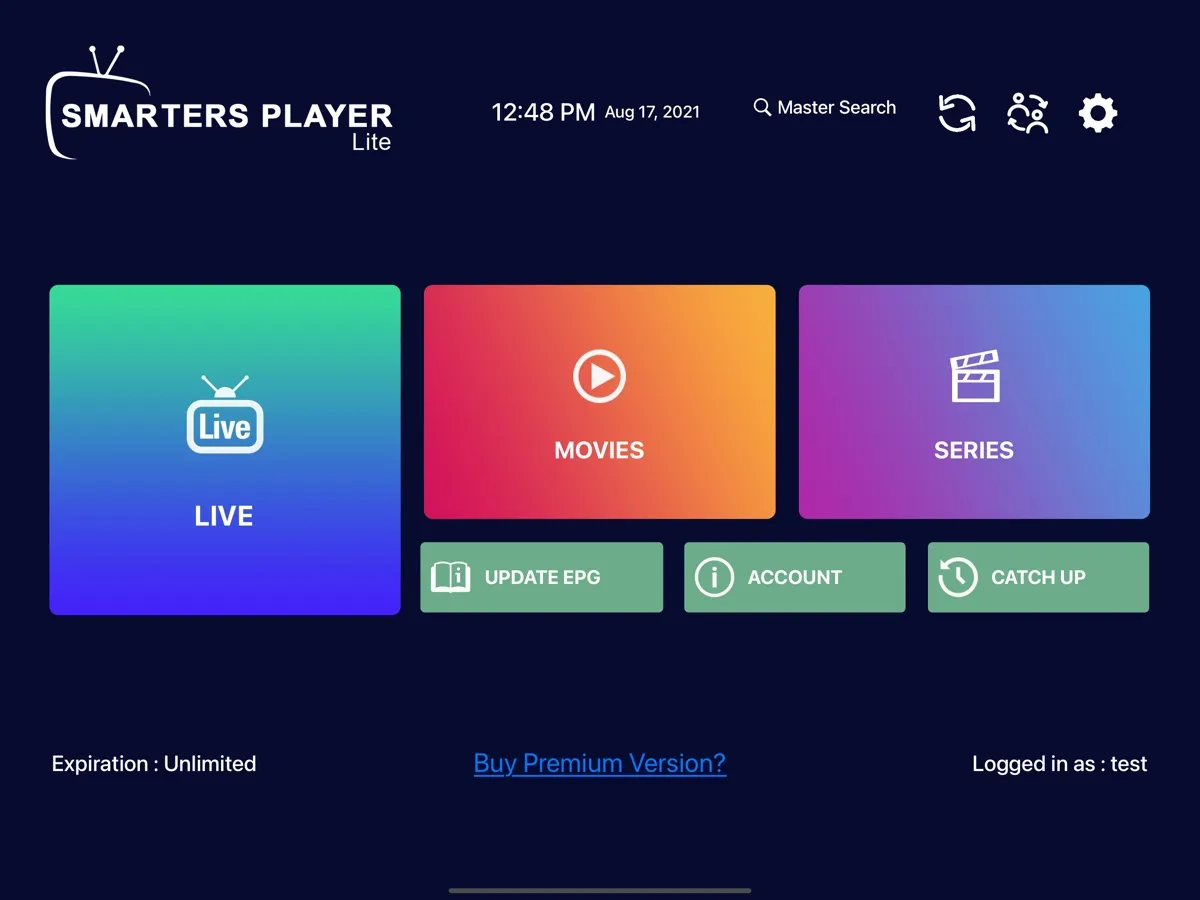
On iPhone, iPad, Apple TV and Apple-silicon Macs it is listed as Smarters Player Lite, sold by WHMCS Smarters. It is free with ads, and a one-off premium upgrade cost US$1.99 in the US store in November 2026.
App features only: a master search, an external TV guide (EPG) link, playback of local files, multiple playlists, parental control and picture-in-picture. Your channels, movies and series come from your playlist either way.
No. The codes once published for it pointed to iptvsmarters.com, offline since August 2026, so they download nothing. It was never on Google Play either: similar names there come from other developers. On Android, choose another player such as Smarters IPTV Player or IBO Player.
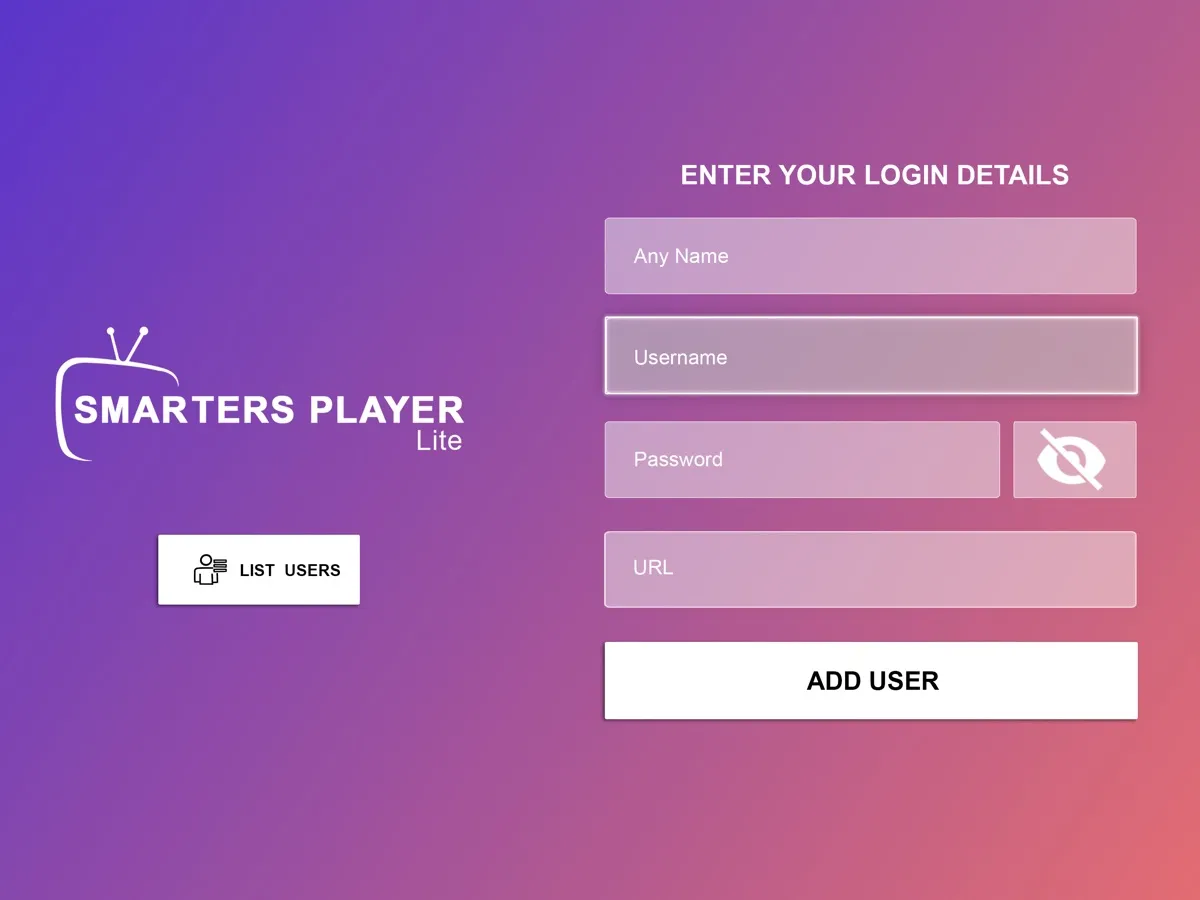
Choose “Login with Xtream Codes API”. Any Name is just a label, so type EuroView. Then enter your username and password, and in URL the server address, all exactly as your EuroView account shows them under My playlists.
No. It is a player only: it plays the channels, movies and series of the playlist you add. A EuroView subscription gives you that playlist, and you can try it for free first.
Check that your EuroView subscription is active, add the link again without spaces, then restart the app and your router. If it still fails, message us on WhatsApp: we usually reply within minutes.